AI family portrait from individual photos
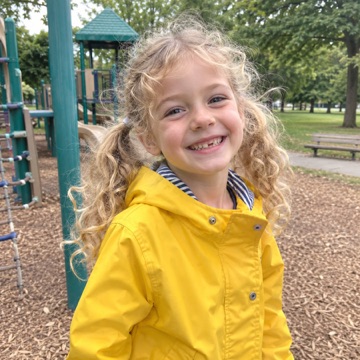
Upload a separate photo of each person, even an old black-and-white one, and get one natural family photo in about a minute. The first preview is free, with no sign-up.
Sending your photos… 0s
Most portraits take 30–50 seconds. Keep this page open.
Does everyone look like themselves? · Thanks, noted.
·
AI-generated image. Kept for 14 days, then deleted automatically.
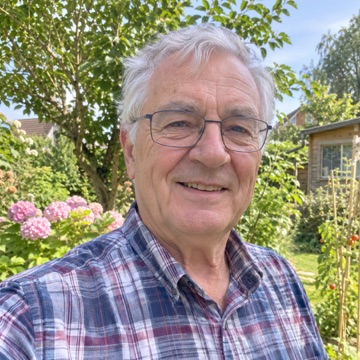
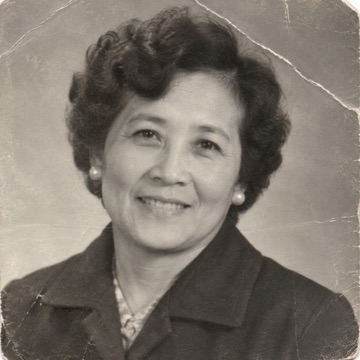
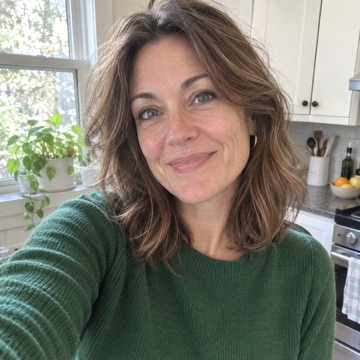
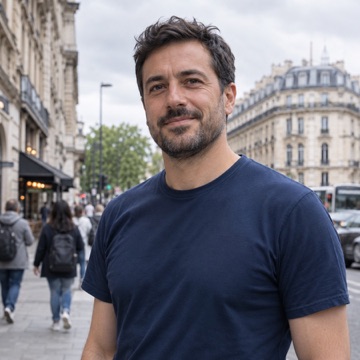
How it works
- Upload one photo of each person. Phone snapshots are fine. Add pets too. If a photo is old or black-and-white, tick the box under it.
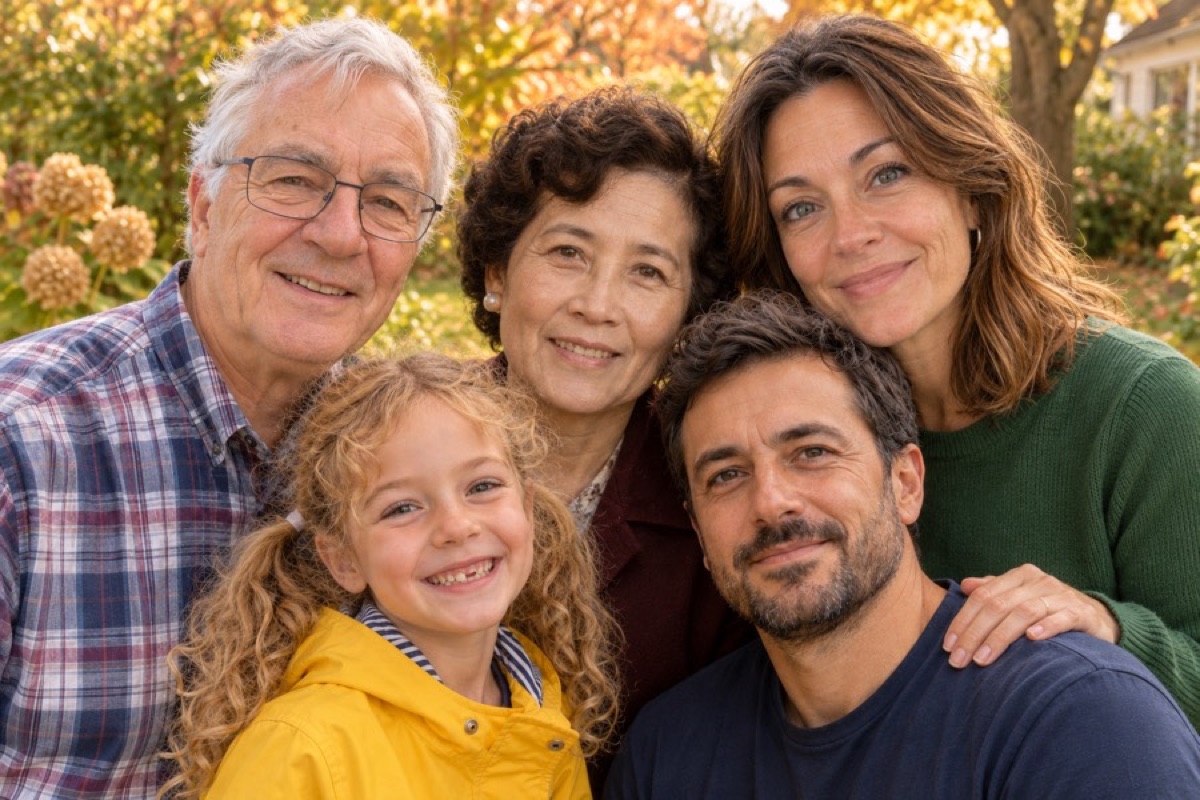
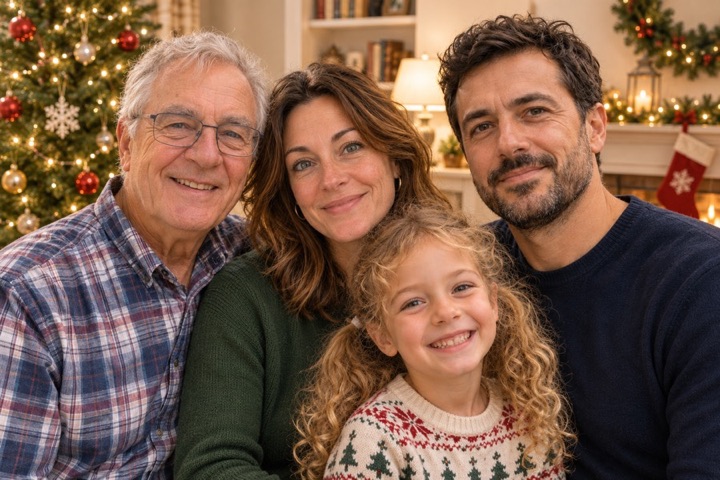
- Pick a setting. A Christmas living room for holiday cards, an everyday living room, or an autumn park.
- Check the free preview. Look at each face. If it is right, unlock the full-size file; if not, try again with clearer photos.
For the photo you could never take
Most families have plenty of photos, just never one with everyone in it. People use Allhere when:
- Family lives far apart. Grandparents in one country, grandchildren in another, and nobody can fly home this year.
- Someone is missing. A grandparent who passed before the youngest was born can stand with the family, from the photo you already have.
- The holiday card is due. The kids will not sit still, the dog will not look, and a studio session costs $150 or more.
Photos that work best
One person per photo. If a photo has several people, crop it to the one you want first.
Face the camera. A clear, front-facing face with the shoulders visible gives the closest likeness.
Good light, no sunglasses. Blurry, dark or covered faces are the most common reason a face comes out wrong.
Old prints are fine. Photograph or scan the print straight on; creases and fading are fixed in the portrait.
Pricing
Free preview
$0
- Full portrait with a watermark
- 2 a day, no sign-up, no email
- Delete it any time
Unlock HD
$5.99 once
- Full size, no watermark
- 2 more takes of the same scene
- Ready for a 5×7 card or a post
A family studio session usually costs $150–$500. No subscription here, and nothing renews.
Your photos stay yours
We do not store the photos you upload: they go to the image model to make your portrait, and that is all. The finished portrait is kept for 14 days so you can download it, then deleted; one click deletes it sooner. We never use your photos to train AI. Details are in our privacy policy.
Questions
Can you really make a family portrait from individual photos?
Yes. Upload one photo of each person (or pet), and the model draws them together in one new photo with matching light, colour and scale. Nobody needs to be in the same place, and the photos can be taken years apart.
Will everyone look like themselves?
Usually close, not always perfect. The model draws a new picture rather than cutting and pasting faces, so check each face before you print. Clear, front-facing photos with the shoulders visible give the best likeness. If someone looks off, run it again or swap in a clearer photo of that person.
Can I add a family member who has passed away?
Yes. Upload the photo you have, tick “Old or black-and-white photo”, and the portrait shows them in natural colour at the age they are in that photo. Many families use this for a parent or grandparent who never met the youngest children.
Does it work with photos of children and pets?
In our tests, photos of children and pets worked. The image model can still decline a photo now and then; if that happens you get a message, and the attempt does not use up a free preview.
How long does it take?
About a minute. In our tests each portrait took 31 to 47 seconds. Keep the page open while it works.
What does the free preview include?
A full portrait at preview size with a “PREVIEW” watermark, so you can see whether everyone looks right before paying. You get 2 free previews a day, with no sign-up and no email.
What do I get if I unlock?
The same portrait at full size (1536 × 1024 pixels) with no watermark, plus two more takes of the same scene so you can pick the best. It costs $5.99, paid once; there is no subscription.
Is it good enough to print?
The full-size file prints well at about 5 × 7 inches (a standard holiday card) and looks fine as a phone wallpaper or a social post. For a large framed print, check the result at full size first.
What happens to my photos?
The photos you upload are sent to the image model to make your portrait and are not stored by us. The finished portrait is kept for 14 days so you can download it, then deleted automatically; you can delete it sooner with one click. We never use your photos to train AI.